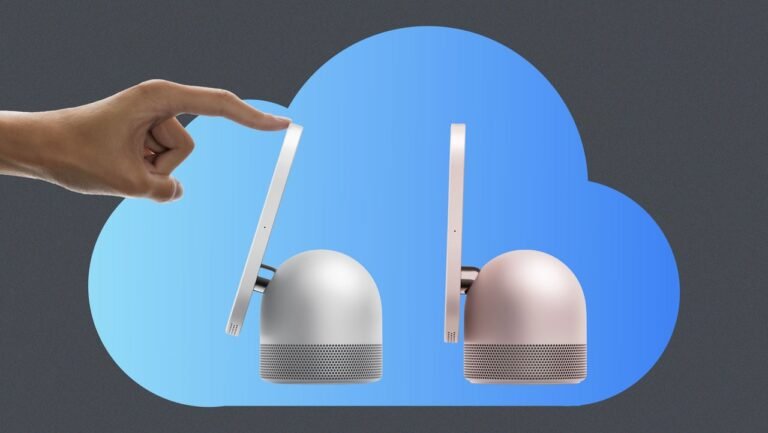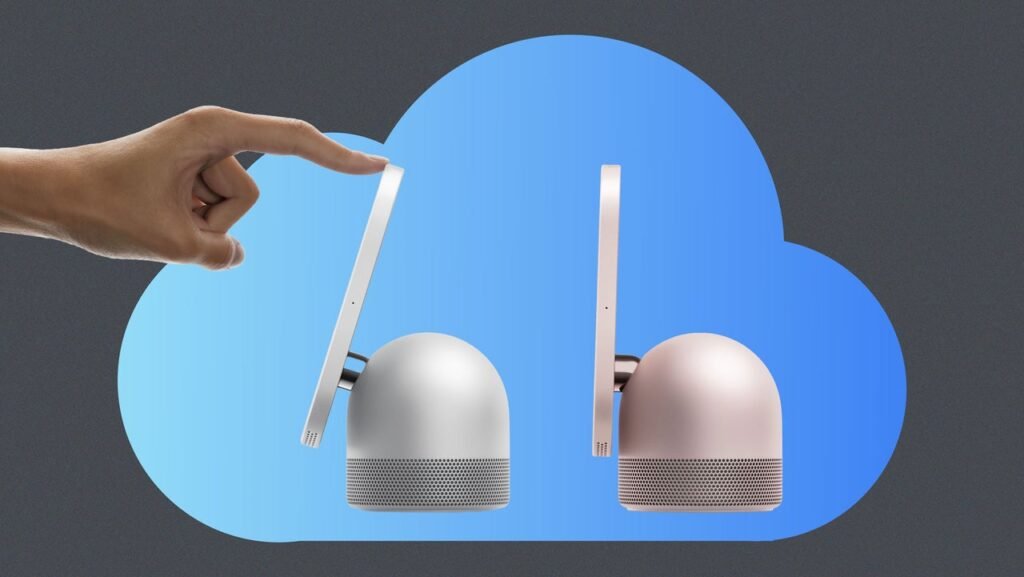
As someone who’s kept a smart display on the kitchen counter for the last eight years, I should be among the target audience for Apple HomeView.
My Lenovo Smart Display is one of the best gadgets I’ve ever owned, mainly because it’s always cycling through family photos that I’d otherwise surely forget. In addition to being a constant source of fond memories for me and my family, it is also occasionally useful for kitchen timers, music, weather forecasts, and managing the grocery list.
HomeView, which launches next month for $299, brings an Apple-like layer of polish to the smart display concept, with a high-resolution display, aluminum base, and built-in subwoofer. Its facial recognition capabilities also allow it to display each person’s messages and calendar events.
But for all those bells and whistles, HomeView appears to fall short on the one feature I care about most: Its photo features are designed around iCloud Photos, making it a tough sell for me and the other 1.5 billion people who use Google Photos. Without a steady supply of fresh photos, HomeView might wind up feeling a bit empty.
How HomeView works
Those who’ve seen the HomeView up close liken it to a giant Apple Watch, with a 7-inch square-shaped screen that provides information at a glance. The main “Faces” view cycles through things like the time, weather, and photos, and you can swipe up to a home screen for built-in apps and smart home controls.
At least at the outset, the emphasis is clearly on Apple apps and services such as FaceTime, Apple Music, Podcasts, and Safari. The role for third-party apps is more limited. If a music or video app is compatible with CarPlay, Apple’s in-vehicle projection system, Apple may provide similar access on HomeView when a compatible iPhone is nearby. This would allow users to access third-party music like Spotify. HomeView will also support third-party home screen widgets, similar to those on iOS.
As for photos, Apple hasn’t gone into much detail, other than saying it will offer “Portrait-style depth effects” and support for shared albums that “loved ones near and far can help fill.” Smart displays from Google and Amazon are both able to surface photos of specific people, including new photos that users upload to cloud storage over time, so hopefully that will be a possibility with HomeView as well.
Either way, Apple has not announced any provisions for displaying photos from outside its own ecosystem. Its photo frame features will likely rely on users’ iCloud Photos libraries exclusively.
Photos are the killer app
Although some folks have wondered about the HomeView’s target audience, I’ve always felt that photo frames are the ideal use case for a smart display. It’s a frictionless way to revisit all the smartphone photos you’ve taken, and it fits perfectly with the concept of a communal device for everyone in the home. Compared to stand-alone digital photo frames, I also like that these devices can do a little bit more, such as controlling smart home devices, playing music, and setting timers.
Without the photo component, though, a device like HomeView just becomes another screen in a home already filled with them. Using it as a photo frame is what justifies everything else. For me, at least, HomeView won’t be of much use if I can’t bring my Google Photos library with me.
While Google does offer an easy way to transfer your entire Google Photos library to iCloud Photos, I’d rather not switch photo systems just for the sake of a new gadget. Besides, I prefer Google Photos anyway as someone who doesn’t exclusively use Apple products.
To be fair, other smart displays are similarly closed-off to third-party photo sources. Google’s Nest Hub is for Google Photos, and Amazon’s Echo Show devices are for Amazon Photos. It’s not surprising that Apple would go the same route, because supporting other sources would create complications, and the whole point of HomeView is to reinforce Apple’s own ecosystem of services.
Still, my hope is that over time, Apple will expand the HomeView’s “Faces” feature to third-party apps. That way, alternative providers like Google Photos, Facebook, OneDrive, Ente Photos, and even the self-hosted Immich could provide a showcase for users’ photo libraries. Without a platform for external photos, the target audience for HomeView becomes a lot narrower.