This article is republished with permission from Wonder Tools, a newsletter that helps you discover the most useful sites and apps.
Now that fall is here, my focus has been fragile. Noise, notifications, news, and email grab at my attention. To help cope with distractions, I’ve stitched together a focus tool kit with apps, sites, and sounds. Some are new, others old. My goal this season is to concentrate for a bit longer when my attention might otherwise drift. I hope this collection will be useful for you, too.
Stop email interruptions
Inbox Pause
This simple email add-on temporarily freezes what you see in your inbox. Any new messages will show up as soon as you unpause.
Price and platforms: Free for basic use. For extra features, like custom scheduling or hearing from select senders during pauses, get the $15/month pro account. Works with Gmail and Outlook online or on the iPhone. An alternative free option: Pause Gmail.
Avoid distracting sites
News Feed Eradicator
Get rid of the addictive, endless feed on social media sites like Facebook, Twitter, Reddit, YouTube, and LinkedIn. Look instead at whatever accounts you’re actually interested in.
Price and platforms: Free. Chrome only.
Raycast Focus Mode
Block email and distractions during short, focused work sprints.
Price and platforms: Free. It can automatically block sites for you in Safari, Chrome, and Firefox (and related browsers modeled on WebKit, Chromium, and Firefox).
SelfControl
Pick a list of sites to block. Set a timer for deep work. While it’s active, you won’t be able to use Facebook, email, or whatever you’ve blacklisted, even if you restart your computer.
Price and platforms: SelfControl is free for Mac. It’s open-source and not fancy.
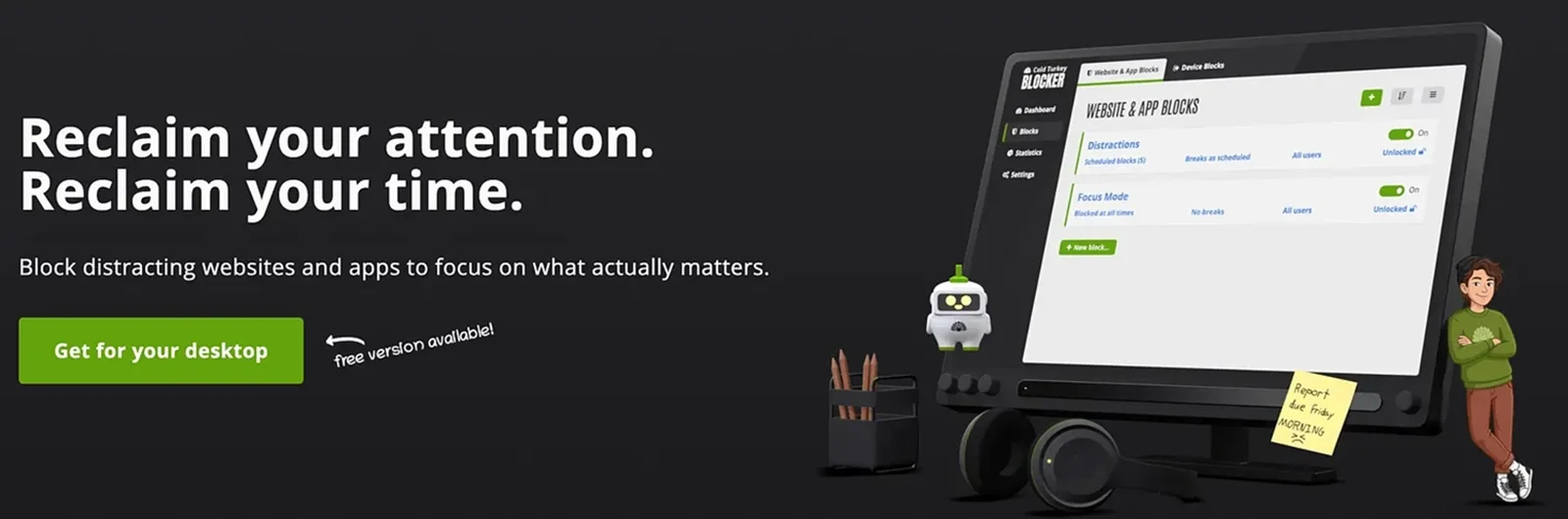
Alternative: Cold Turkey is a more polished free Windows and Mac alternative for blocking sites. The pro version costs $45 for a lifetime license ($36 for students) for advanced features like blocking applications.
Forest App
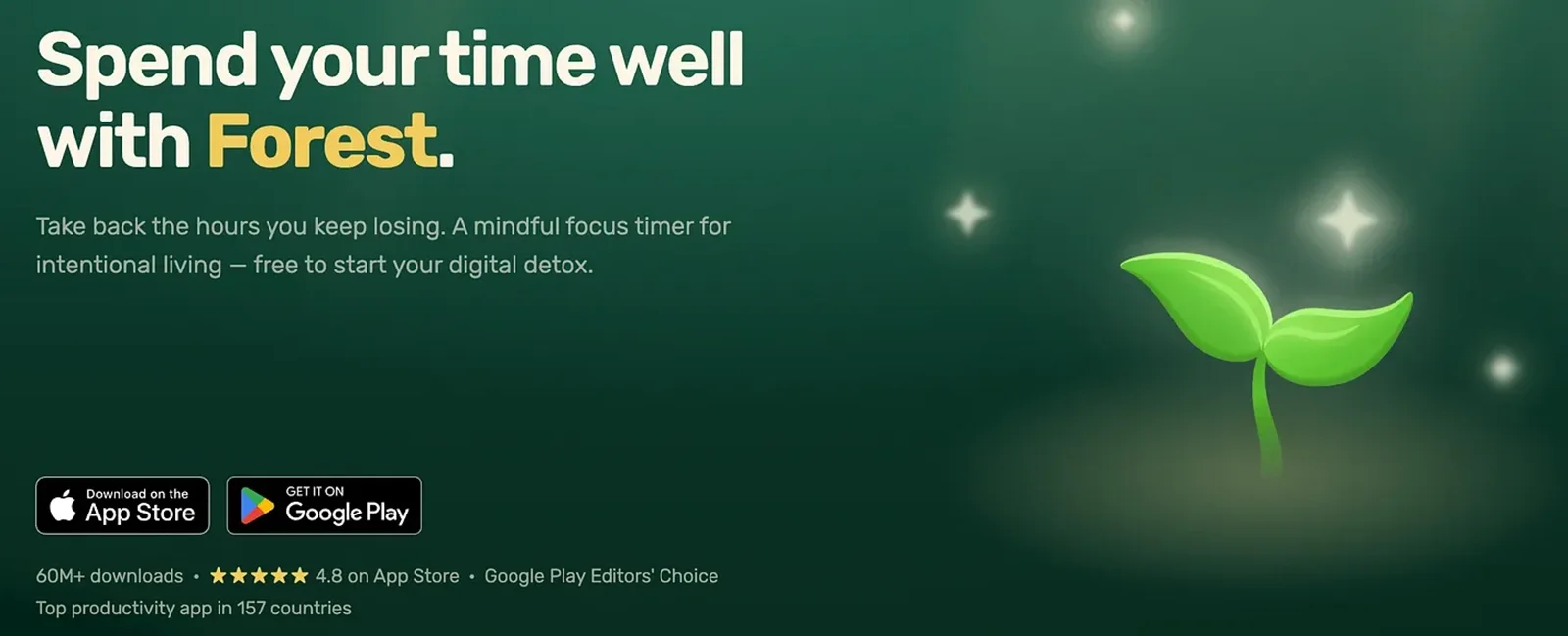
Instead of blocking sites or apps, Forest helps you avoid wasting time on your phone by rewarding you for not using it. Your virtual trees grow until you pick up your phone. The approach seems to resonate: 60 million people have used this app. 🌳
Price and platforms: Free for iOS and Android. A paid subscription unlocks extra features.
Apple Screen Time
Set time limits on apps that tempt you to doomscroll. Count how many notifications your apps send, and see how much screen time you’re logging. I use the downtime feature most. It closes my apps at 11 p.m. I can override that when I need to. But I like that friction nudging me to stop late-night work.
Price and platforms: Free for Macs and iOS devices. Android has a related “Digital Wellbeing” feature. And Windows has focus options. There’s a related Do Not Disturb mode for Mac and iPhone.
Block noise
Sony Noise-Canceling Headphones
The New York City subway is painfully loud. So I splurged on these over-the-ear WH-1000XM6 headphones. (My previous XM3 pair lasted for seven years until I accidentally bent them.) The battery lasts for several weeks on a single charge.
Price: $460. The XM5 model, also excellent, is $300. Wirecutter’s review (which agrees that Sony’s XM6 model is the best) includes a $100 alternative.
MyNoise
Pick your favorite type of focus sound: a waterfall, a purring cat, white noise, rain, or a dozen others. I like the café, where you can adjust the ratio of chatter to kitchen noise. The creator, Stéphane, records real sounds and wrote a manifesto about avoiding AI-generated noise. The newest release: Pigeons of NYC.
Price and platforms: Free, browser-based.

Headspace
This was designed as a meditation app, but I use the focus music without lyrics to block noise around my Times Square office.
Price: $70/year or $10/year for students. Or share six accounts (family, roommates, teammates, etc.) for $100.
A Soft Murmur
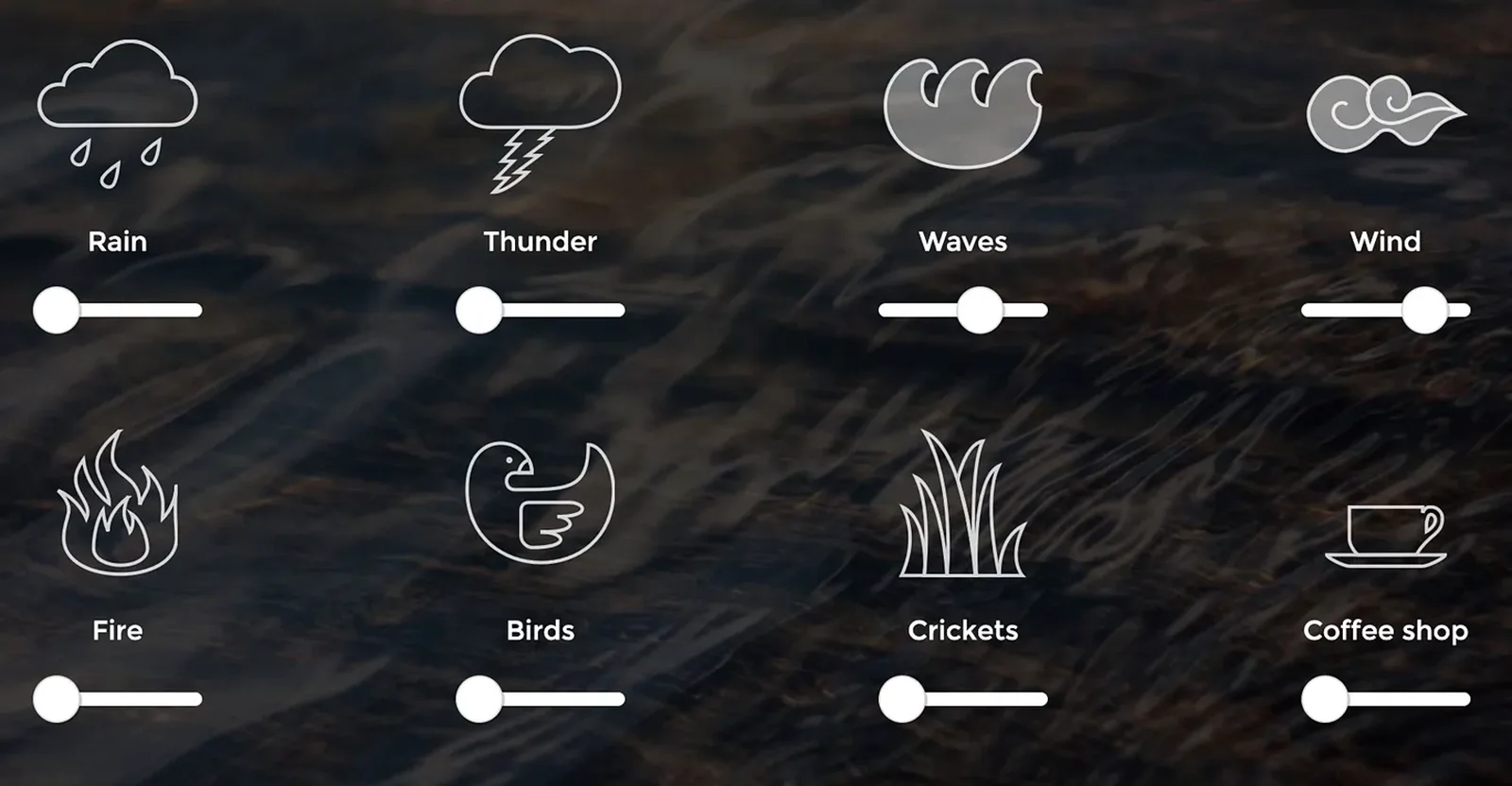
Mix a range of sounds to block out city noise or whatever annoys you. Customize and save your own sound mix. Here’s my blend of waves, wind, and white noise.
Price and platforms: Free, browser-based.
Give your body a break
Wakeout
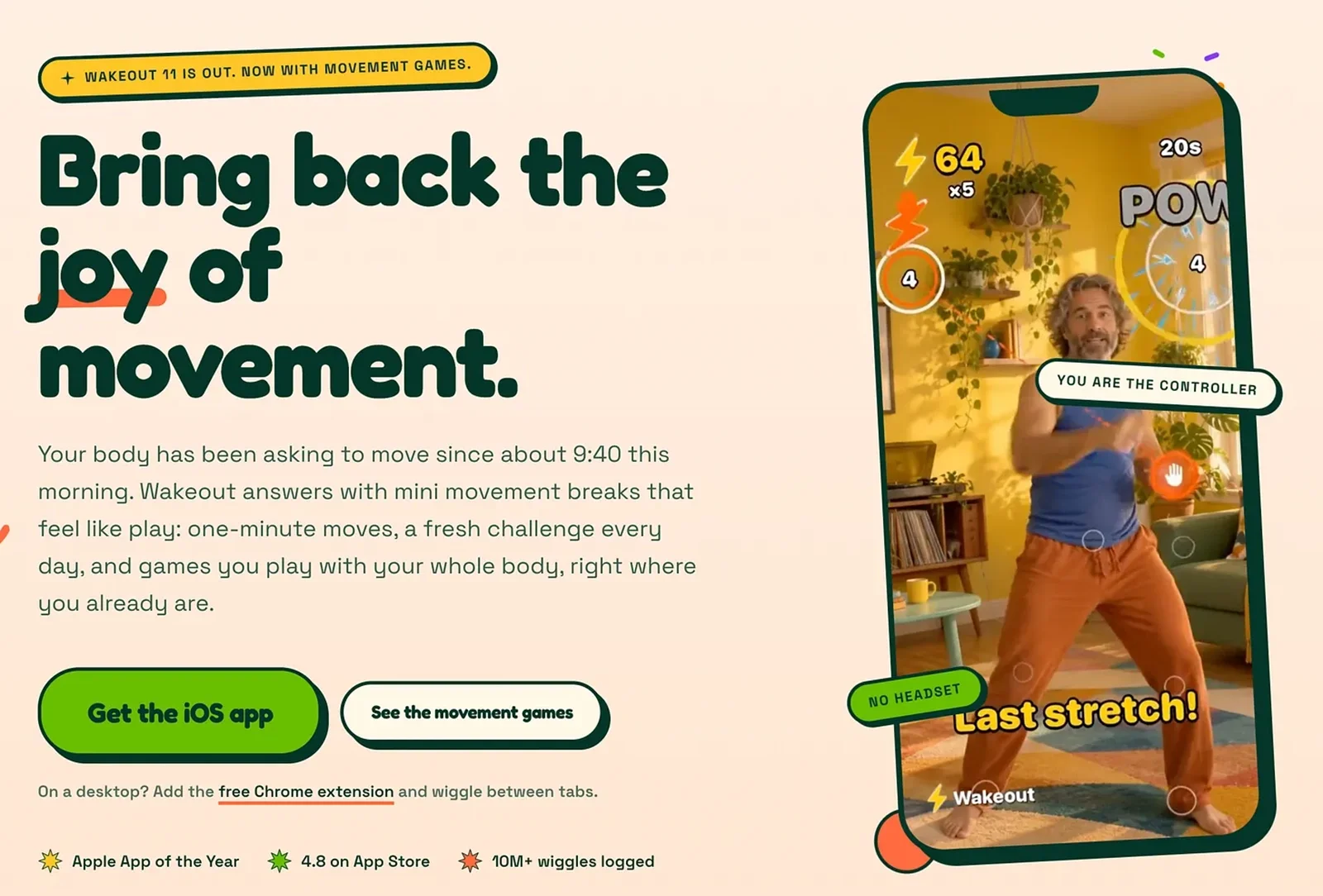
Take quick exercise breaks with short video loops showing real people doing cardio moves. I like one-minute exercises. The newest version adds little movement games. Body breaks improve my focus.
You can also use Wakeout to pick apps that pause when you’ve been sitting too long. Moving brings back access.
Price and platforms: The Chrome browser extension is free; a subscription for iPhone, iPad, Mac, and Apple Watch is $70/year or $13/month.
Time Out
Rest your eyes periodically if you work at a screen. I set Time Out to remind me to give my eyes a screen break every 15 minutes. You can choose your own interval. It nudges me to look out the window and stretch. It’s an old app, but it still works.
Price and platforms: Free, optional contributions of $5 to $60. Mac only.
Alternatives: BreakTimer is simple, free, and works on Mac, Windows, and Linux. Restier is a little more polished and also works across platforms; $9 for one device or $15 for two. Lookaway is an elegant Mac option that starts at $19.
Nex Playground
I spend most weekdays standing in front of my computer, so I love how the Nex gets me moving. Its 60-plus motion-sensing games are played with your body, not thumbs or controllers. My daughters, wife, and I have it linked to our New York City apartment TV, and I appreciate how it boosts my energy for evening work. It’s also great for short breaks that reset my focus when I work from home.
Price: $300, plus an optional $89/year subscription for all 60+ games.

Hold yourself accountable
Focusmate
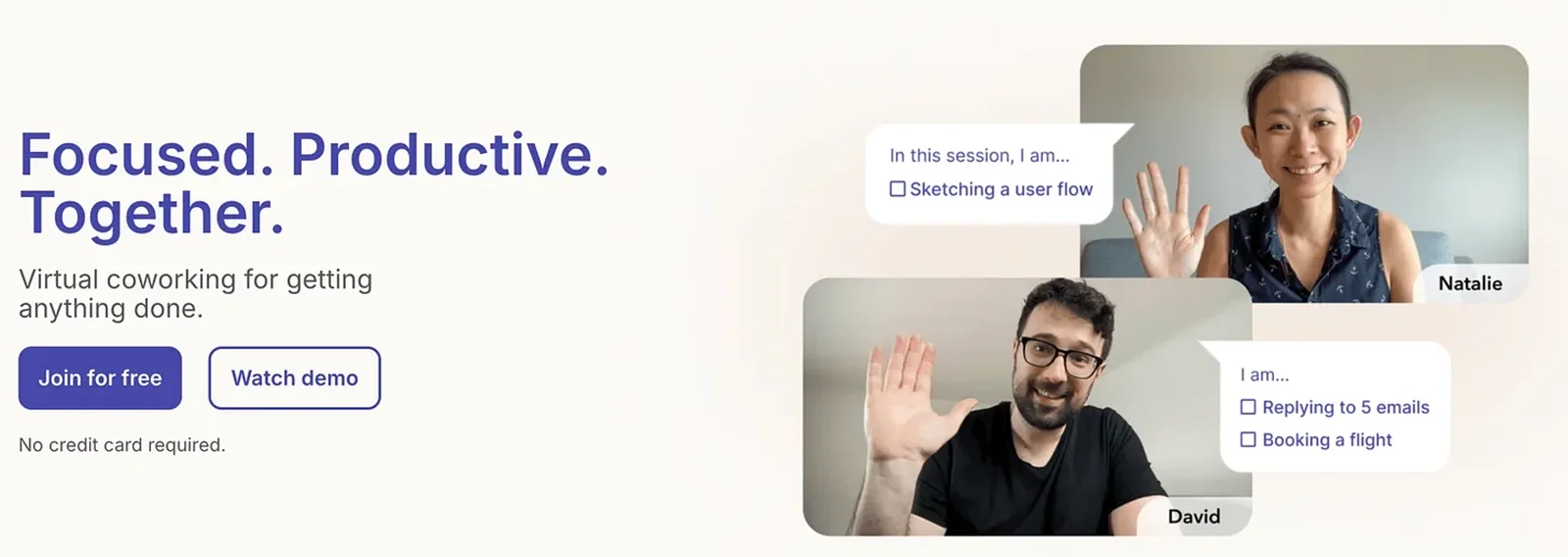
Pair up with an accountability partner online. Pick a time on the site’s calendar when you want to get work done. Choose an interval of 25, 50, or 75 minutes. You’ll be paired with a real person who also wants to stay focused. Log in at the appointed time.
I was originally skeptical about this “body doubling” tactic. I found, though, that an appointment with another human made it feel like a special work interval. It did feel a bit silly to have to meet a random person over Zoom to trick myself into concentrating. But if that’s what works, I’ll do it on occasion.
Price and platforms: No app or download required. Works on any computer or mobile device with a camera and microphone. Free for up to three sessions a week, or $8/month billed annually for unlimited.
Stickk
Pick a goal and create your own commitment contract. You can pledge to donate to a cause you don’t support if you fail to follow through on your resolution.
Price and platforms: Web-based. No cost beyond what you decide to commit.
BeeMinder
Make commitments tied to data you sync. Works with categories like time spent on Facebook or whatever else you choose to sync from Toggl, Fitbit, or other time- or health-tracking platforms. Here’s a video explainer.
Price and platforms: Web-based. Free or $8/month for extra features.
Tranquility by Tuesday
My favorite book by Laura Vanderkam offers nine ways to make time for what matters. I like her suggestion about carving out a time slot toward the end of each week expressly for finishing things you’ve fallen behind on. I enjoyed talking with her about her latest book, and you can read more of her tips in her Vanderhacks Substack.
Deep Work
Cal Newport is a computer science professor and New Yorker writer who argues that computers and other devices can ruin our focus if we don’t use them thoughtfully. I found it helpful in exploring how to separate technical and menial tasks from work that requires slow, nonlinear thinking.
Indistractable
Nir Eyal stuffed his excellent guide to staying focused with useful insights. It’s full of research-backed ideas for combating internal and external distractions.
This article is republished with permission from Wonder Tools, a newsletter that helps you discover the most useful sites and apps.